
Image Aspect Ratio Calculator: Find Dimensions and Resize Photos Correctly
Use an image aspect ratio calculator to find proportions, calculate width and height, and choose between resizing, cropping, or padding without distortion.
Table of Contents
- Quick Answer: Calculate the Shape Before Changing the Size
- Aspect Ratio, Pixel Dimensions, and Resolution Are Different
- How to Calculate Image Aspect Ratio
- Reduce Width and Height to a Simple Pair
- Calculate a Missing Dimension
- Common Image Ratios and Example Dimensions
- Use an Aspect Ratio Calculator for Proportional Resizing
- When the Frame Does Not Match: Crop, Pad, or Stretch
- Crop When Edge Content Can Be Removed
- Add Padding When Every Edge Matters
- Choose Dimensions for Websites and Printed Photos
- Website Images
- Printed Photos
- Frequently Asked Questions
- Is 1,920 × 1,080 the same as 16:9?
- Does changing PPI alter the aspect ratio?
- Can I make a landscape image portrait without losing anything?
- Export the Shape You Intend
An image aspect ratio calculator tells you the relationship between a picture’s width and height. Enter both pixel dimensions to identify its shape, or provide a target ratio and one dimension to calculate the other. For example, an image measuring 2,400 × 1,600 pixels has a 3:2 aspect ratio.
The calculation helps when preparing a website image, fitting a photograph into a print, or making several graphics share the same shape. However, it does not decide which parts of a picture should remain visible. When the original and destination shapes differ, you still need to choose between cropping, adding space, or accepting distortion.
Understanding that choice prevents familiar problems: stretched faces, clipped text, unwanted borders, and images that fit their frames but look soft. Start with the shape you need, then choose enough pixels for the intended output.
Quick Answer: Calculate the Shape Before Changing the Size
Image aspect ratio is width divided by height, usually expressed as a simplified pair such as 4:3 or 16:9. To preserve that shape, multiply both dimensions by the same factor. If a target frame has a different ratio, proportional resizing alone cannot fill it completely while also retaining the entire original image.
Aspect Ratio, Pixel Dimensions, and Resolution Are Different
- Aspect ratio describes shape.
- Pixel dimensions describe how many pixels form the image horizontally and vertically.
- Print resolution describes how densely those pixels are placed on paper (PPI / DPI).
Consider these two files:
- $900 \times 600\text{ pixels}$
- $3,600 \times 2,400\text{ pixels}$
Both have an identical 3:2 photo aspect ratio, but the second contains sixteen times as many pixels: 8.64 million instead of 540,000. Matching shape does not imply matching image detail.
Changing a PPI resolution setting without resampling does not create more image pixels. It changes the relationship between existing pixels and physical print size.
How to Calculate Image Aspect Ratio
For an ordinary image with square pixels, the width-to-height ratio comes directly from its dimensions:
Reduce Width and Height to a Simple Pair
Let $W$ represent pixel width and $H$ represent pixel height. Find their greatest common divisor (GCD), then calculate:
$$\text{Aspect ratio} = (W \div \text{GCD}) : (H \div \text{GCD})$$
For a $2,400 \times 1,600$ image, the GCD is 800:
- $2,400 \div 800 = 3$
- $1,600 \div 800 = 2$
The ratio is 3:2. Dividing width by height gives 1.5, written as 1.5:1 when height is normalized to one.
Calculate a Missing Dimension
For a target ratio $a:b$:
$$\text{Height} = \text{Width} \times \frac{b}{a}$$
$$\text{Width} = \text{Height} \times \frac{a}{b}$$
For a 16:9 image that is 1,440 pixels wide:
$$\text{Height} = 1,440 \times \frac{9}{16} = 810\text{ pixels}$$
Common Image Ratios and Example Dimensions
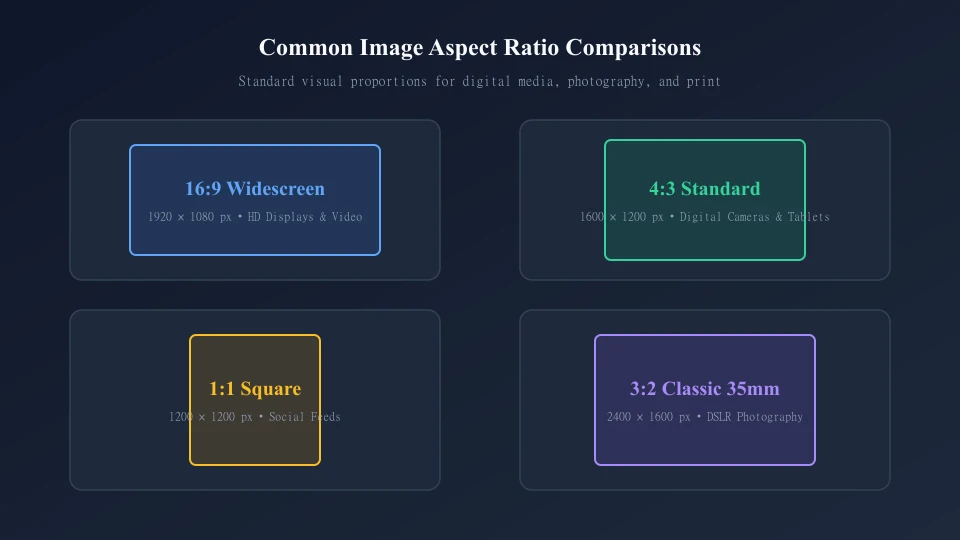
| Ratio | Shape | Example Dimensions | Possible Use |
|---|---|---|---|
| 1:1 | Square | 1,200 × 1,200 px | Square tiles, profile avatars, Instagram feeds |
| 3:2 | Landscape | 1,800 × 1,200 px | DSLR photography and 4×6 / 6×9 prints |
| 4:3 | Landscape | 1,600 × 1,200 px | Digital compact cameras, presentations, tablets |
| 5:4 | Landscape | 1,500 × 1,200 px | Artwork matching an 8×10-inch frame |
| 4:5 | Portrait | 1,200 × 1,500 px | Upright portrait compositions, social banners |
| 16:9 | Wide Landscape | 1,920 × 1,080 px | HD widescreen video, hero banners, YouTube thumbnails |
| 9:16 | Tall Portrait | 1,080 × 1,920 px | Vertical mobile layouts, Reels, TikTok, Stories |
Use an Aspect Ratio Calculator for Proportional Resizing
To resize an image without stretching, preserve the multiplier between both dimensions.
Suppose an original photograph is $3,000 \times 2,000\text{ pixels}$ (3:2) and your page needs an image 1,350 pixels wide:
- Calculate the scaling factor: $1,350 \div 3,000 = 0.45$
- Apply to height: $2,000 \times 0.45 = 900\text{ pixels}$
- Resized dimensions: $1,350 \times 900\text{ pixels}$ (maintains 3:2).
If you instead force the photograph into $1,350 \times 1,000\text{ pixels}$ without cropping, the vertical and horizontal scaling factors differ, distorting your subjects.
When the Frame Does Not Match: Crop, Pad, or Stretch
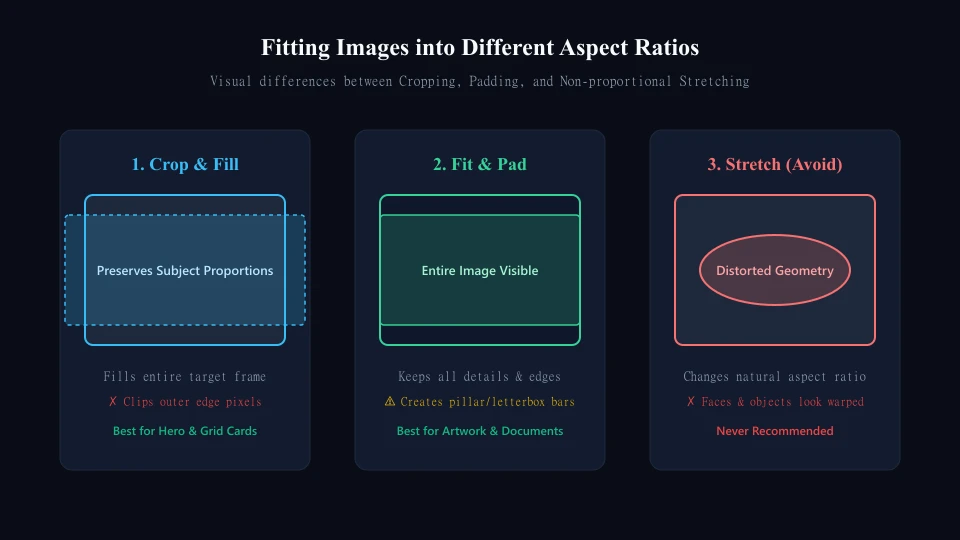
| Method | Keeps Whole Picture? | Preserves Proportions? | Fills Target Frame? |
|---|---|---|---|
| Crop and resize | No | Yes | Yes |
| Fit with padding | Yes | Yes | Only with added surrounding space |
| Stretch to dimensions | Yes | No | Yes (Avoid) |
Crop When Edge Content Can Be Removed
To convert a 4:3 image ($4,000 \times 3,000$) to 16:9 while keeping full width:
$$\text{Required Height} = 4,000 \times \frac{9}{16} = 2,250\text{ pixels}$$
You must remove 750 pixels of height (375 pixels from top and bottom in a centered crop). Position the crop deliberately to protect subjects and key details.
Add Padding When Every Edge Matters
To change aspect ratio without cropping, place the proportional image inside a larger canvas and pad the borders with solid color, background texture, or transparency.
Choose Dimensions for Websites and Printed Photos
Website Images
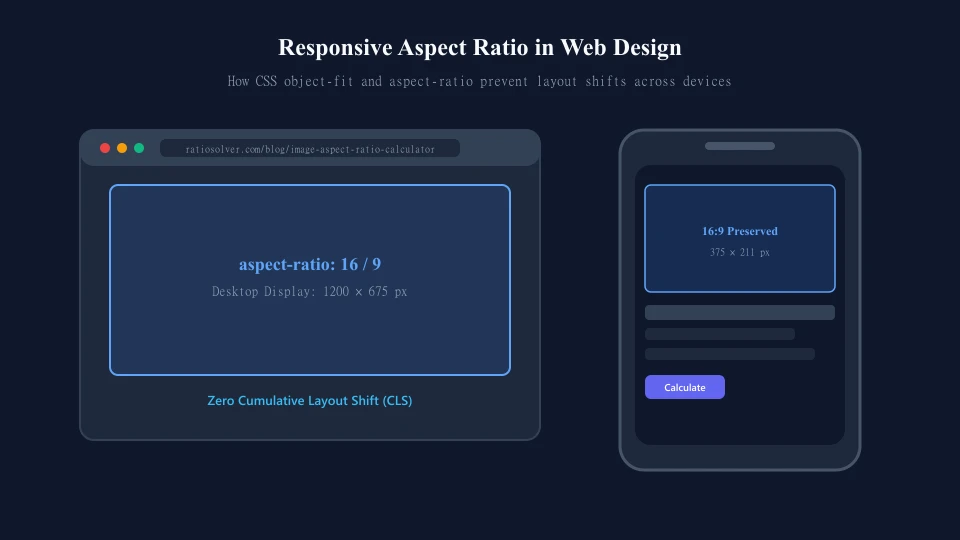
In modern web development, the display container and image file are distinct:
object-fit: containkeeps the full image visible, adding letterbox space if container ratios differ.object-fit: coverfills the entire container, clipping edges to fit without distortion.- Setting explicit HTML
width,height, or CSSaspect-ratio: 16 / 9prevents layout shift (CLS).
Printed Photos
For high-quality printing, calculate pixel requirements based on 300 PPI:
$$\text{Pixels} = \text{Inches} \times \text{PPI}$$
- An $8 \times 10\text{-inch print}$ (5:4 ratio) at 300 PPI needs $2,400 \times 3,000\text{ pixels}$.
- A $12 \times 8\text{-inch print}$ (3:2 ratio) at 300 PPI needs $3,600 \times 2,400\text{ pixels}$.
Frequently Asked Questions
Is 1,920 × 1,080 the same as 16:9?
It has a 16:9 aspect ratio, but dimensions describe pixel counts while 16:9 describes shape. Images measuring $1,280 \times 720$ and $3,840 \times 2,160$ are also 16:9.
Does changing PPI alter the aspect ratio?
No. Changing PPI changes printed pixel density without altering the proportion of horizontal to vertical pixels.
Can I make a landscape image portrait without losing anything?
Only by adding pillar padding on the left and right. To fill a vertical frame completely using only existing picture pixels, top and bottom cropping is unavoidable.
Export the Shape You Intend
Use an aspect ratio calculator to establish exact dimensions, then make the creative decision math cannot make: which focal points must remain visible. Lock proportions, position crops carefully, and verify final exports across desktop and mobile screens.
BigTechies Editorial Team
The Ratio Solver editorial team specializes in clear, step-by-step mathematical guides, statistical analysis explanations, and practical calculation workflows for students, educators, and professionals.
Solve Any Ratio in Seconds With Our Free Calculator
Simplify whole numbers, fractions, and decimals, find missing values, or divide totals in proportional parts with verified instant accuracy.
Related Articles
Continue exploring practical calculation guides and tutorials
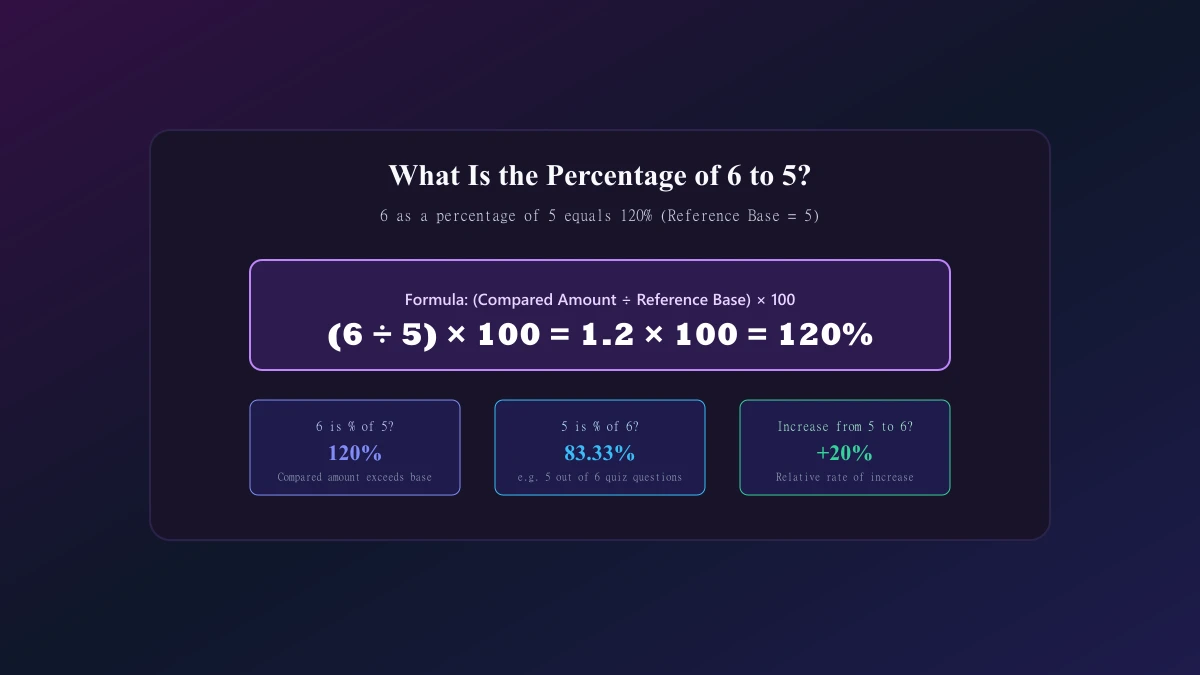
What Is the Percentage of 6 to 5? Answer With Easy Steps
Find out what is the percentage of 6 5 with clear steps and examples. Learn why the answer is 120%, how to reverse the calculation, and avoid common mistakes.
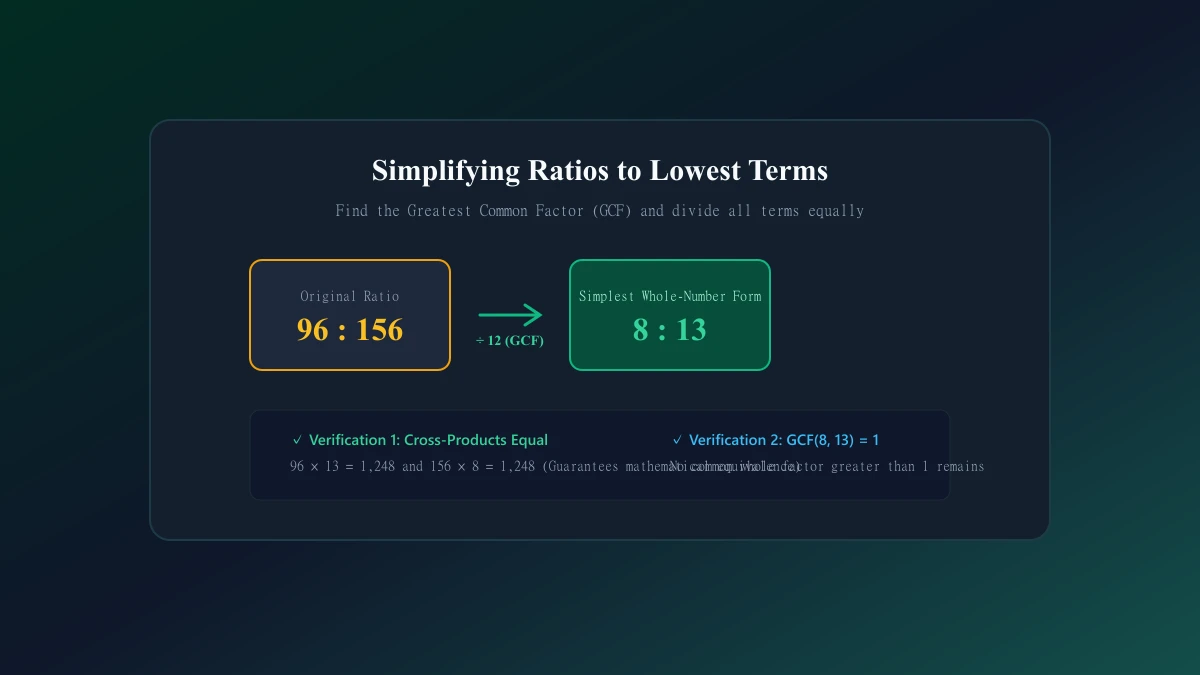
Ratio Simplifier: Reduce Ratios to Their Simplest Form
Use a ratio simplifier to reduce whole numbers, decimals, fractions, and three-part ratios. Learn GCF methods, check your answers, and avoid common mistakes.
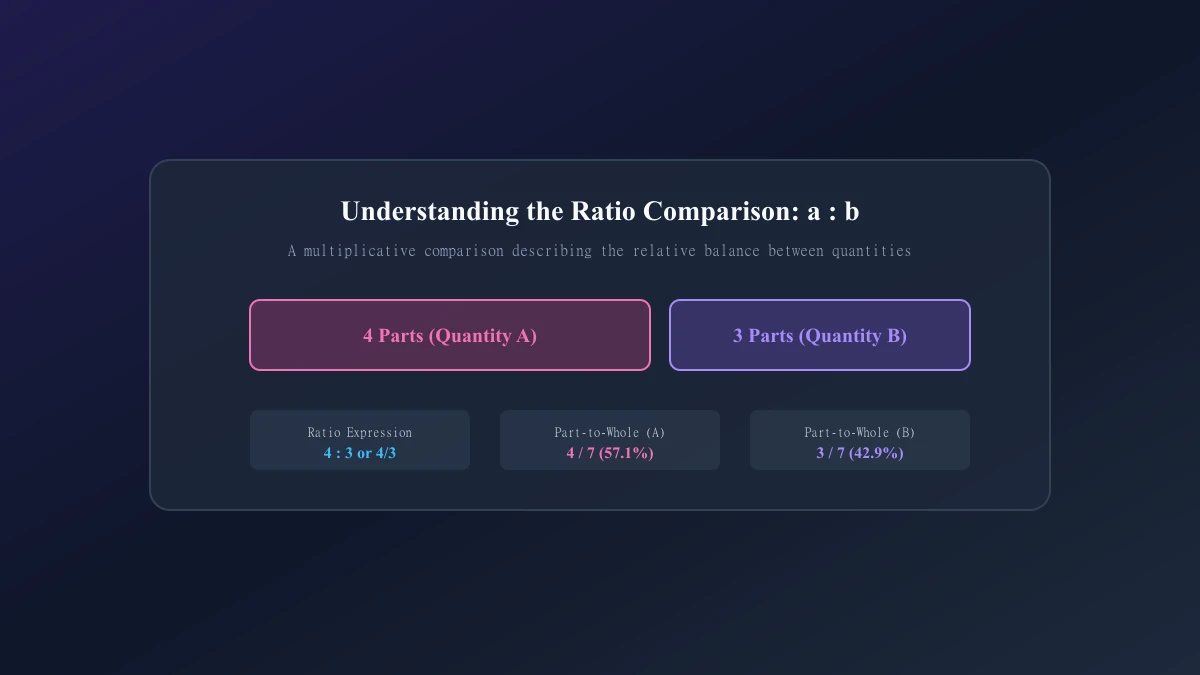
What Is a Ratio? Definition, Types, and Everyday Examples
Learn what is a ratio, how to read and write one, and how ratios differ from fractions, rates, and proportions, with everyday examples and practice questions.